NotebookLM + Gemini 3 Pro to generate a interactive map to easily browse the design job and trend
Tools:
NotebookLM +
Gemini 3 pro
Role:
AI Product Builder
Date:
Dec 2025
Motivation- The curiosity
2025 is a year filled with an overwhelming amount of AI information, and many companies hope employees can incorporate AI into their workflow to boost efficiency and, in turn, increase business profits.
So, as designers living in an era where AI tools evolve rapidly, what trends should we focus on, and what AI-related skills should we be strengthening?
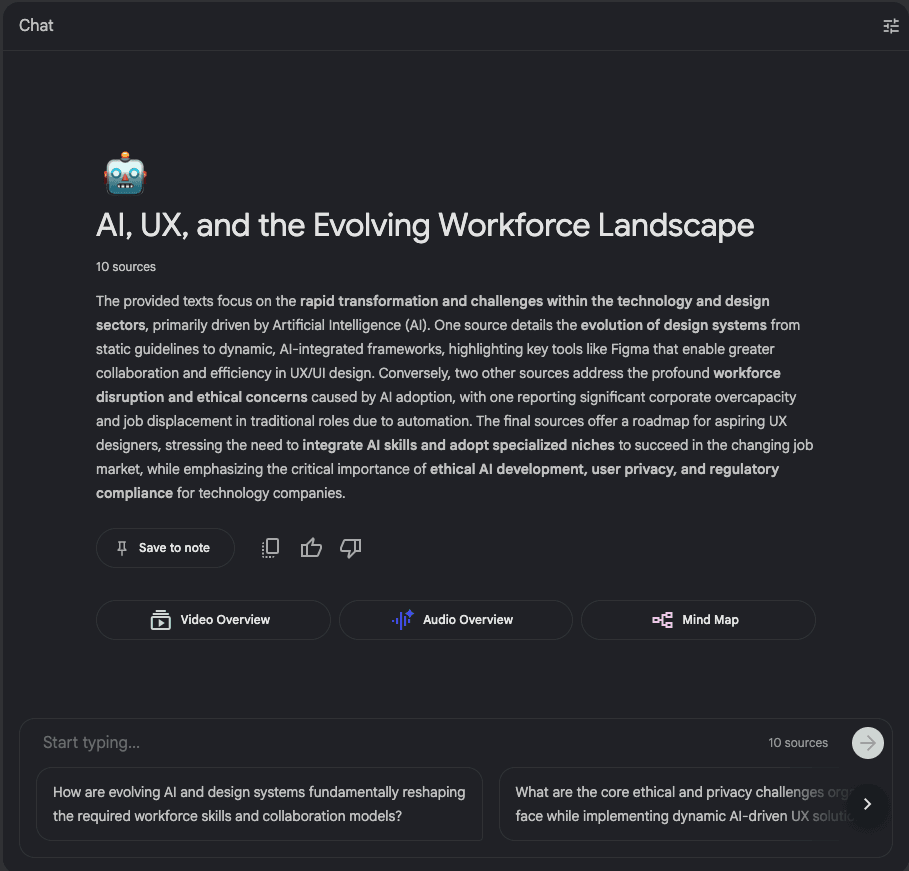
NotebookLM gaves me a simple summary
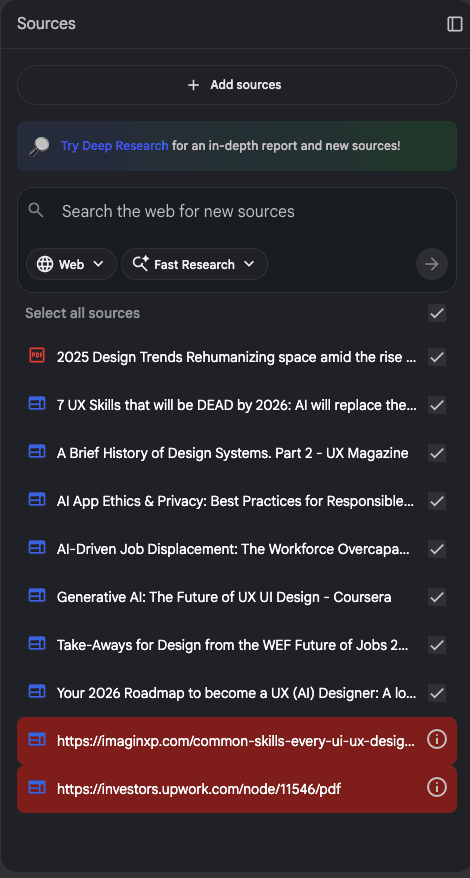
Research by NotebookLM
First, I used notebookLM to collect relevant information, such as: UI/UX design trends in 2026, and AI tools that UI/UX designers should learn about.
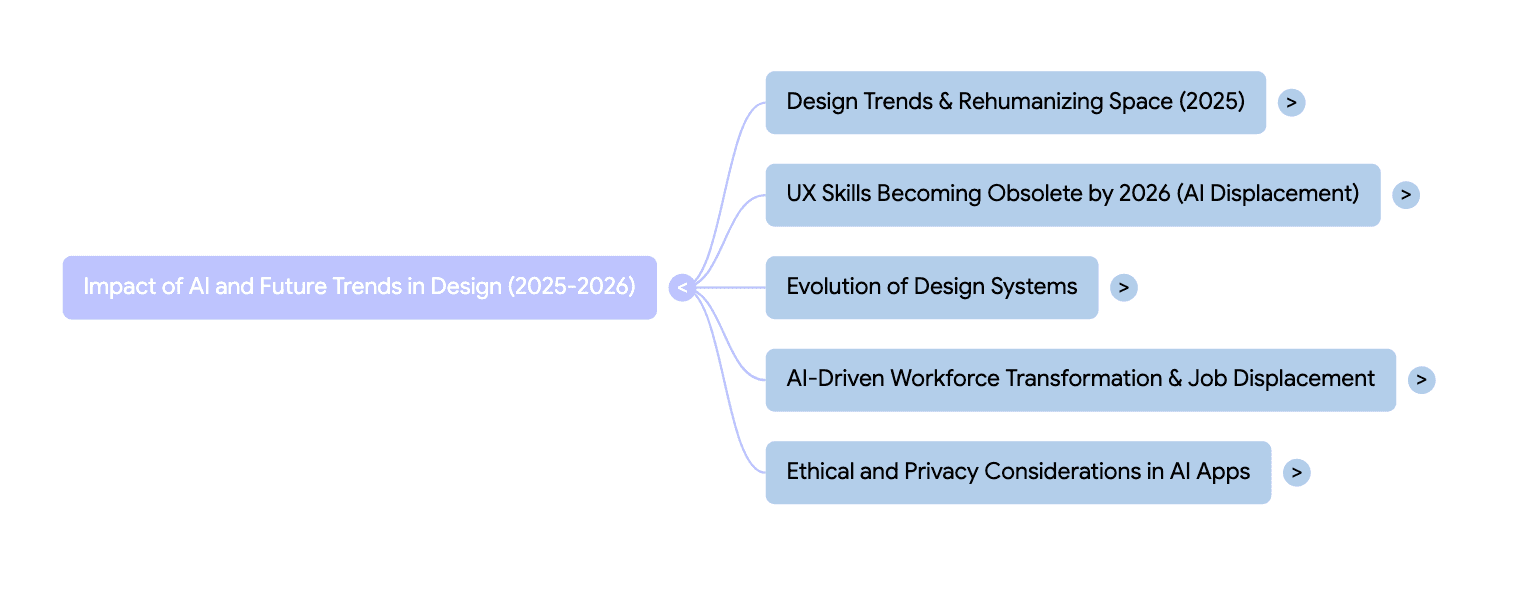
Now what? - Organize huge date
I want to visualize all the sources, reducing the time user spend reading large amounts of information and stimulating their curiosity and enabling them to quickly understand the content.
I found that NotebookLM's studio has many tools to try. I used Mind Map, which can organize complex logic in a well-organized way.
AI Generation
Mind maps reminded me of neurons; in the brain, thoughts are like decentralized systems—interconnected yet each with its own data set.
So, after trying it 3 to 4 re-gen versions and adjust the css, html using the prompt in AI Studio, I finally got a satisfactory result.
Google AI Studio
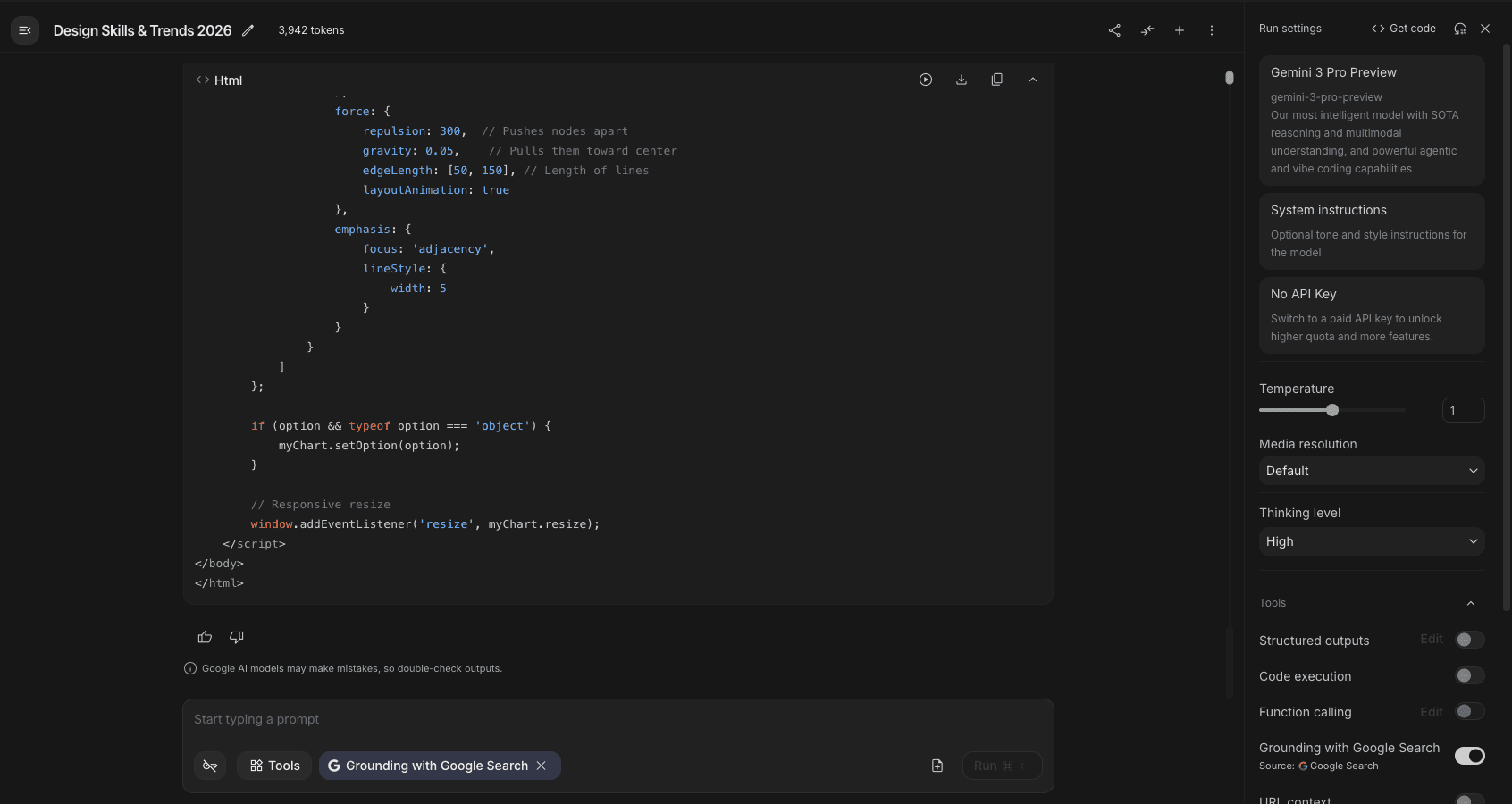
Helps me build the web-based prototype without using Figma.
1st version
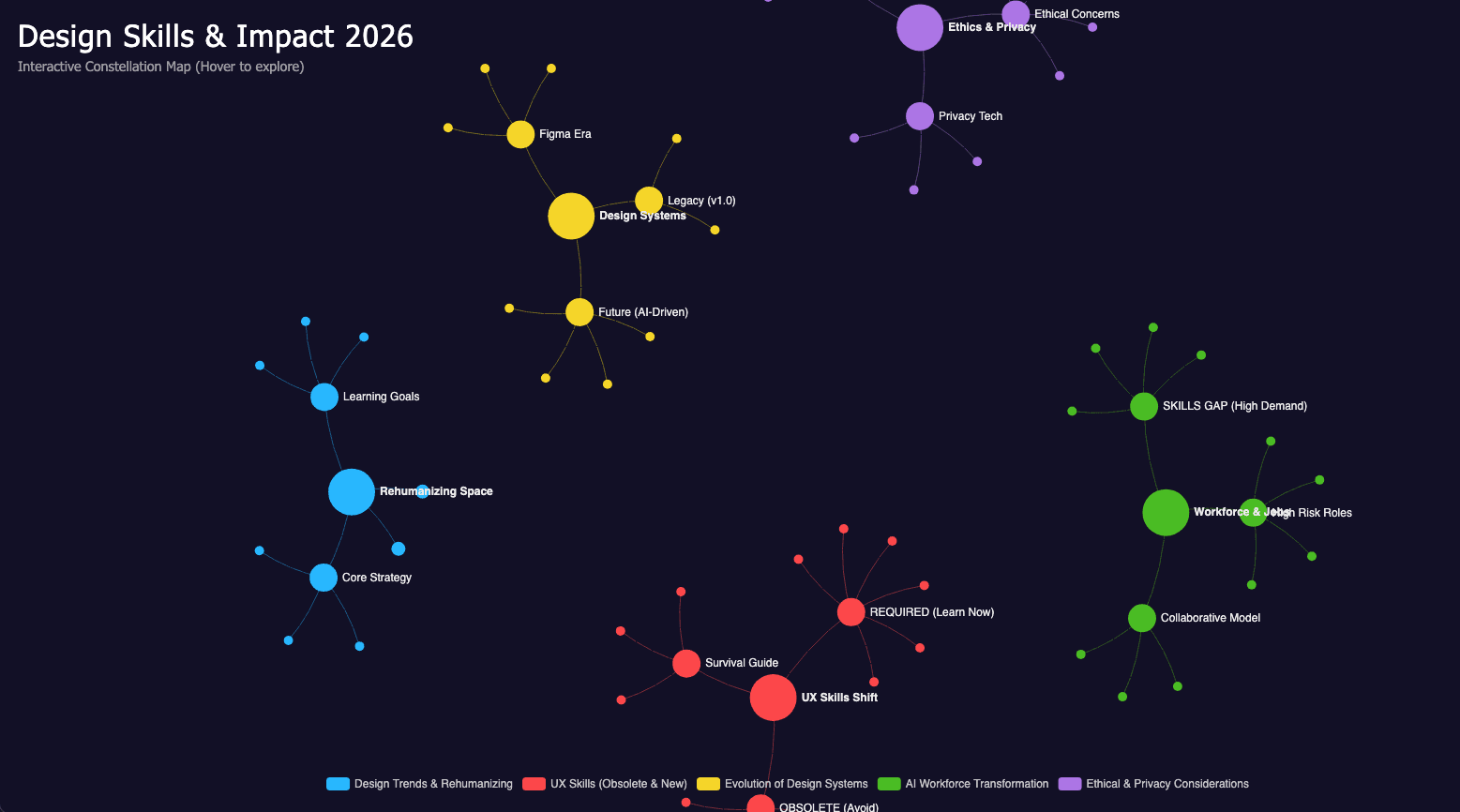
All clusters are separated, which doesn't fit the original concept
2nd version
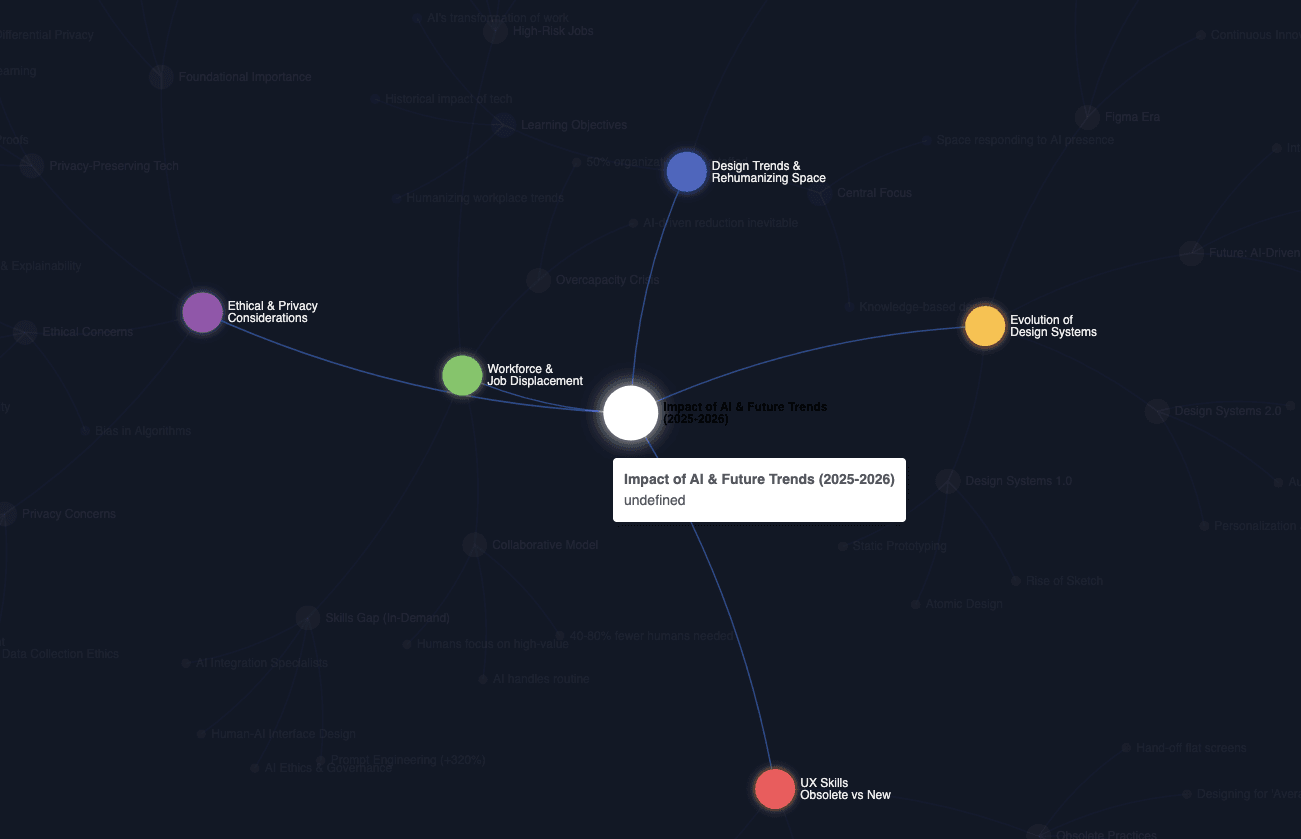
This is so close to my concept but if you see clearly, you'll find the text from the center point is black which can not ready.
Voilà~ the Final version
Voilà~ I changed the color code from CSS in AI Studio, and now the final version is complete.